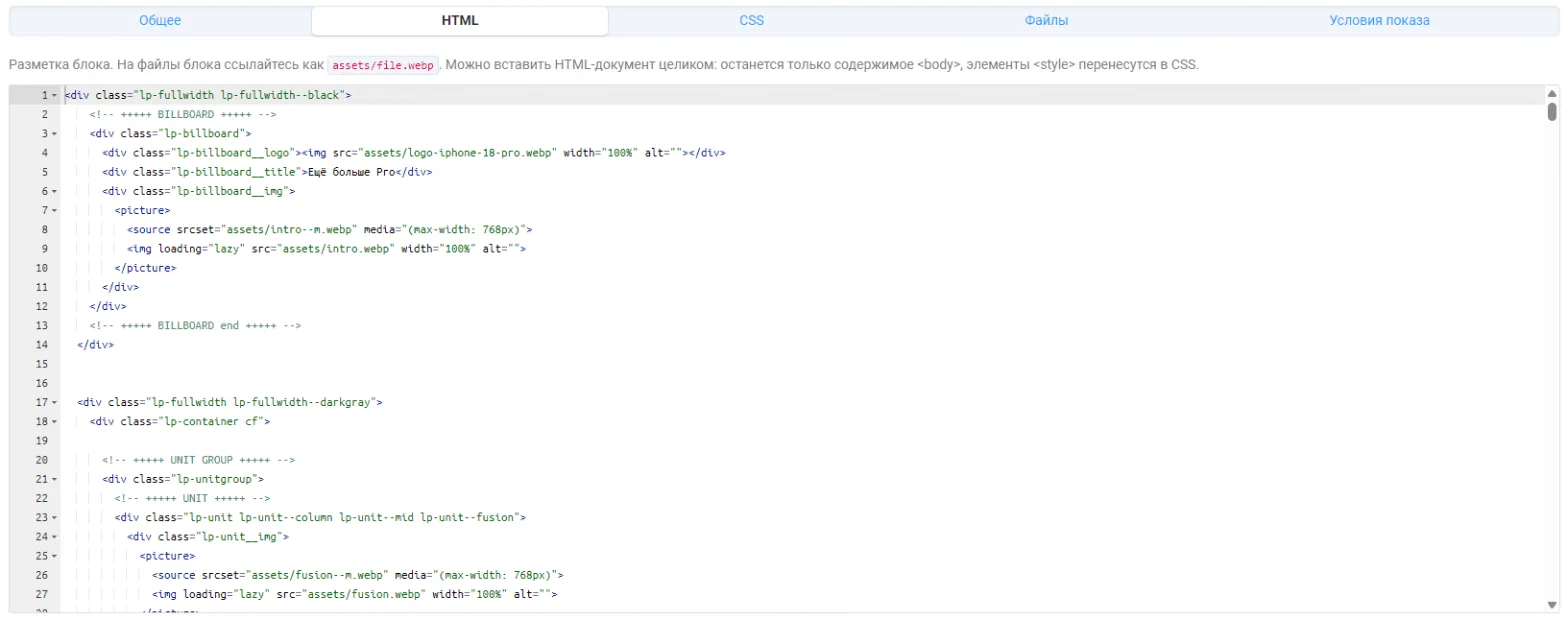
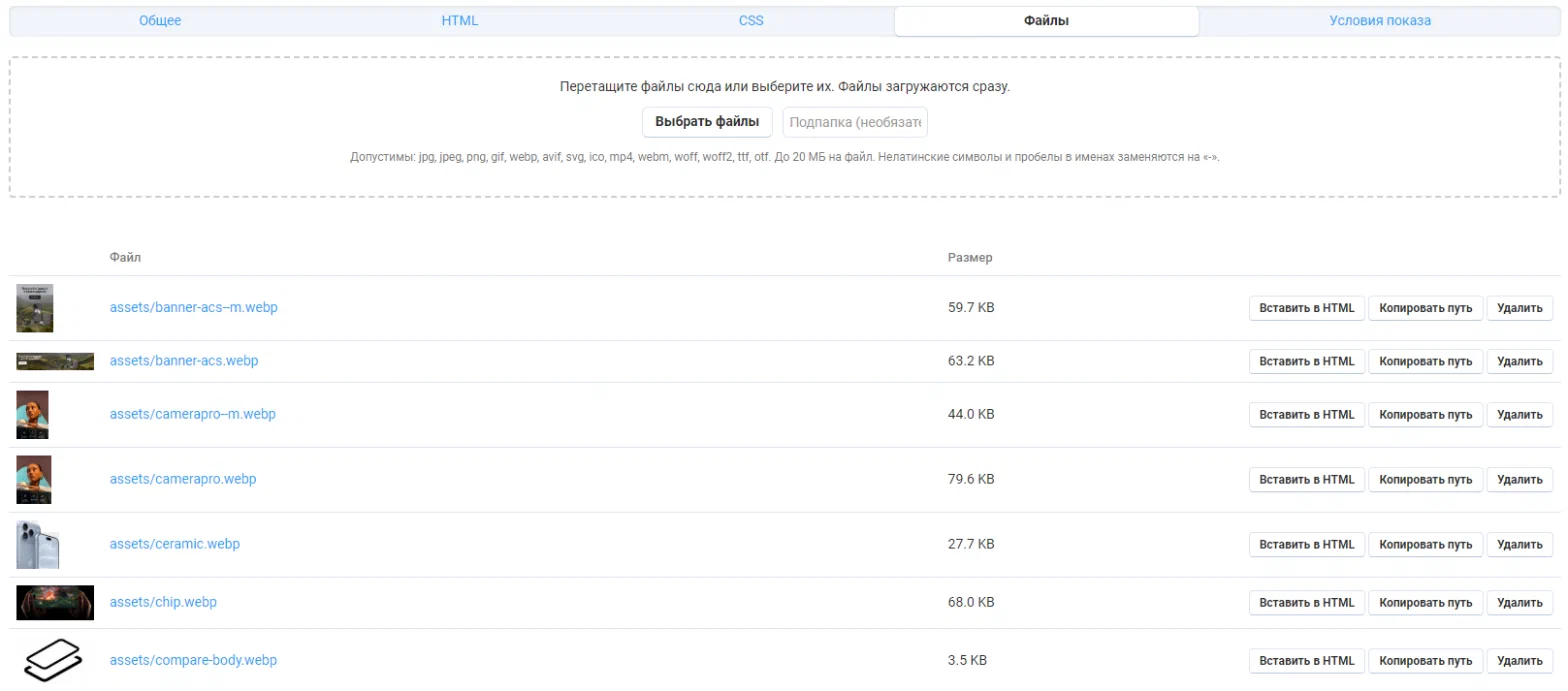
Manufacturers hand out ready-made landing pages for their products: images, video, tables, their own layout. Putting that into the description is painful — the editor breaks the markup, styles clash with the theme, and the same block has to be copied into a hundred products.
The add-on keeps such blocks apart from products. A block is made once, linked to products or categories and shown on the product page in the chosen place. Change the block and it changes everywhere.
What a block is
Every block is HTML, CSS and a folder of files. Styles are scoped to the block: every selector gets a prefix, and rules for html, body and :root apply to the block wrapper. So someone else’s body { font-family: … } will not restyle the shop.
Where it shows up
- Description: above the text or below the text — the block becomes part of the description tab.
- A separate tab — “Overview”; rename or move it in the product tab settings.
Blocks of one zone are shown in priority order. Variations get the blocks of their parent product.