The What is still empty tab under SEO → Templates & audit shows every page of one kind beside its title, meta description and H1.
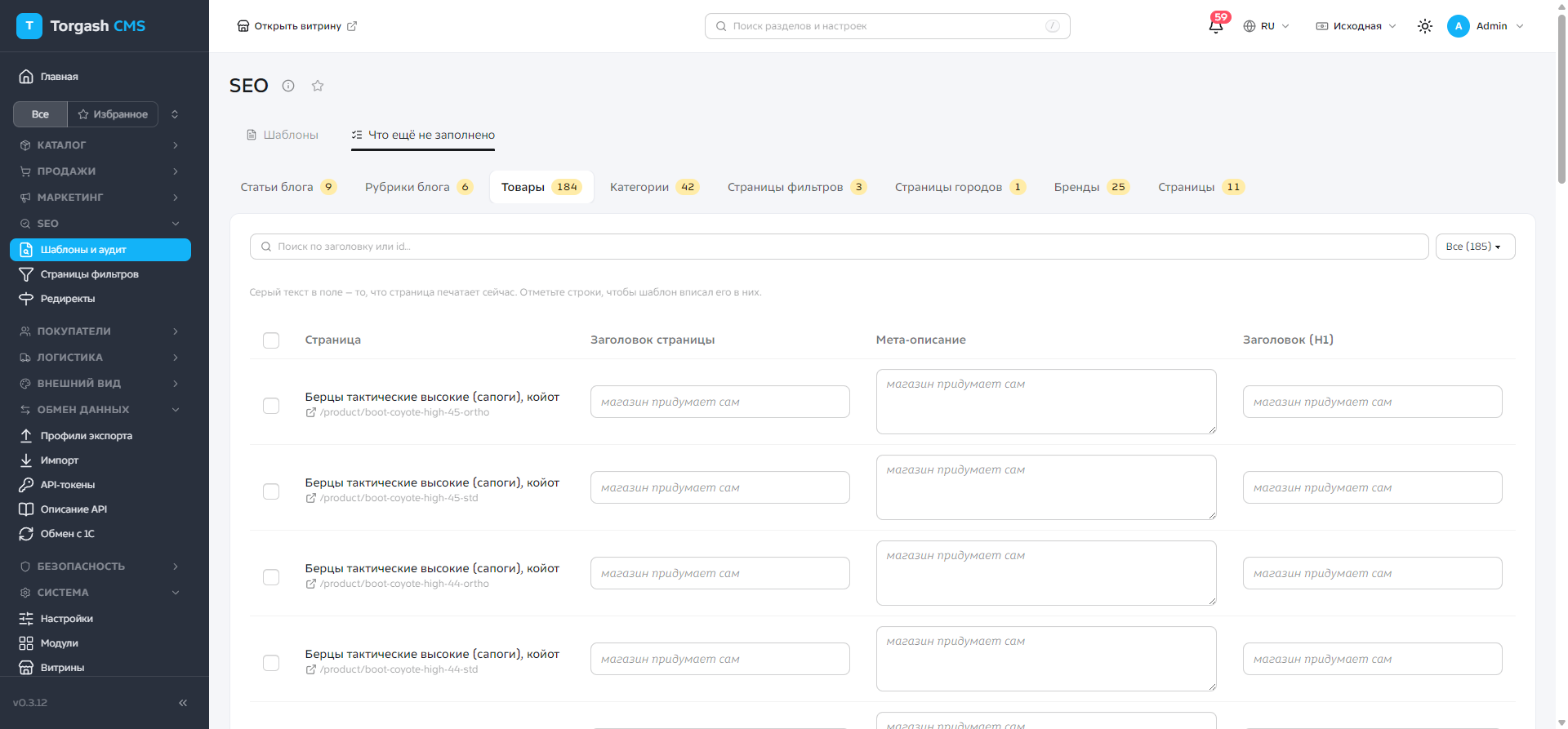
The tabs are the kinds of page with counts. Above the table, a search by title or id and the filter All / With a title / Without a title: that is how the pages nobody has written for are found.
In every empty field, grey text is what the page prints now:
- the template’s answer, when a template governs it;
- “worked out by the shop” — the product’s name in the title, the first sentences of the description in the meta description.
Two ways to fill:
- In the row. Type into the field and press Save what is typed at the bottom. The text is written onto the product, category or page itself.
- From the template. Tick the rows and press Fill the ticked rows from the template. The template governing those pages writes its text onto their records.
What is typed by hand is stronger than the template within one save: type a title into a row and tick it too, and the typed one is kept.